 +34 941743964
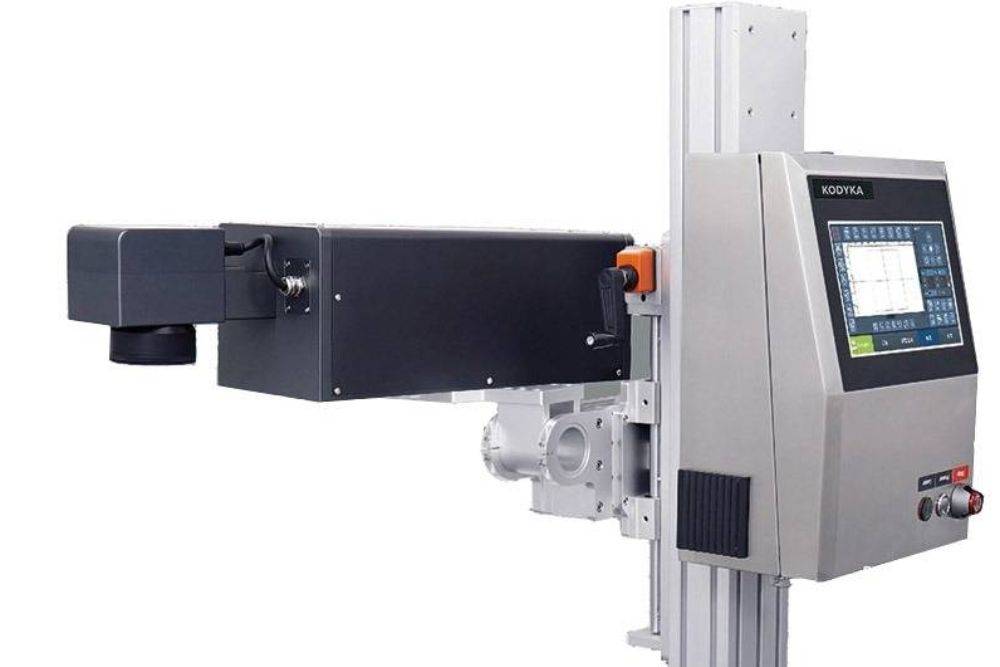
What is a multifunction laser printer and how to choose the right one?
In today’s business and industrial world, having an efficient and reliable printing equipment isn’t a luxury — it’s a necessity.
That’s why multifunction laser printers have become the go-to solution for companies looking to streamline their document processes.
But what exactly makes them so special, and how can you choose the best one for your business?
At Kodyka, as specialists in high-tech industrial equipment, we understand that every company has specific printing needs.
This comprehensive guide will give you all the information you need to make an informed decision — from technical basics to the key factors that will help you select the most suitable option.
The crucial role of multifunction laser printers in professional environments
Today’s market offers a wide range of printing options, but multifunction laser printers stand out for their versatility and performance. These devices combine several features into one machine:
- High-speed printing with professional quality
- Precise document scanning
- Fast and efficient copying
- Fax functions (on advanced models)
- Integrated document management
According to recent studies, 78% of businesses that implement multifunction laser printers report a significant boost in document productivity.
At Kodyka, we’ve developed solutions that not only meet but exceed these standards — specifically designed for demanding industrial and business environments.
Laser technology vs. other options: why choose multifunction laser?
Detailed technical comparison
To understand why a multifunction laser printer is the best option, it’s important to compare it with other available technologies:
| Feature | Laser Multifunction | Inkjet | Dot Matrix |
| Speed | 20–50 ppm | 5–15 ppm | 1–3 ppm |
| Text Quality | Excellent | Good | Average |
| Maintenance | Low | Medium | High |
| Lifespan | 5–7 years | 3–5 years | 5+ years |
| Consumables | Toner | Ink cartridges | Ribbon |
Comparison table based on average business use
Real-world use cases
- Corporate office: A company with 50 employees printing 5,000 pages per month could save up to €1,200 annually by choosing a multifunction laser printer instead of multiple standalone devices.
- Industrial sector: In production plants that require real-time printing of labels, technical documents, and reports, the speed and durability of multifunction laser printers make them ideal.
- Educational institutions: Their ability to handle high-volume printing at low operating costs makes them the top choice for universities and training centers.
Key components of a high-performance multifunction laser printer
1. Fuser unit
The heart of the laser system — responsible for bonding toner to paper using heat (160°C–200°C). At Kodyka, we use ceramic fusers that offer:
- Longer lifespan (up to 300,000 pages)
- Reduced energy consumption
- More stable temperature
2. Photoconductor drum
A critical component that determines print quality. The best multifunction laser printers use organic drums with:
- Resistance to 50,000–100,000 prints
- Self-cleaning technology
- Moisture protection
3. Paper feed system
Often overlooked, but essential. Professional systems include:
- Multiple trays (500+ sheet capacity)
- Straight feed for thick materials
- Anti-jam sensors
Critical factors when choosing your multifunction laser printer
Monthly print volume
- Low volume (<5,000 pages): Basic models with 3,000-page toner
- Medium volume (5,000–20,000): Devices with high-yield toner (6,000+ pages)
- High volume (>20,000): Industrial systems with continuous feed
Example: A medical clinic processing 300 patient records per day (30 pages each) needs a high-volume solution.
Connectivity and compatibility
Modern multifunction laser printers offer:
- 1GB Ethernet for enterprise networks
- Wi-Fi 6 for maximum wireless speed
- Compatibility with:
- Windows, macOS, Linux
- Android/iOS
- Document management systems (SharePoint, Google Drive)
- Windows, macOS, Linux
Document security
Must-have features for sensitive environments:
- Secure printing with authentication
- Automatic cache clearing
- SSL/TLS encryption
- Audit logging
Total cost of ownership (TCO)
Beyond the initial price, consider:
- Cost per page (toner + maintenance)
- Estimated lifespan
- Extended warranty
- Spare part availability
Kodyka Analysis: Our devices offer a 30% lower TCO than the market average thanks to energy efficiency and durability.
Integration with existing systems
Evaluate:
- Software management compatibility
- Developer APIs
- Automation capability
How to extend the life of your multifunction laser printer
Preventive maintenance plan
- Weekly Cleaning:
- Fuser unit
- Feed rollers
- Optical sensors
- Fuser unit
- Monthly calibration:
- Color adjustment
- Head alignment
- Quality testing
- Color adjustment
- Updates:
- Firmware
- Drivers
- Security patches
- Firmware
Warning signs
- Vertical streaks → Damaged drum
- Toner smudges → Defective fuser
- Frequent jams → Worn rollers
Kodyka Tip: Our technical service includes remote predictive diagnostics to prevent critical failures.
Your partner in professional printing solutions
Choosing the right multifunction laser printer requires evaluating multiple technical and operational factors. At Kodyka, we don’t just offer cutting-edge equipment — we provide comprehensive solutions that include:
✔ Personalized consulting
✔ Installation and setup
✔ Scheduled maintenance
✔ Expert technical support
Explore our full range of multifunction laser printers or schedule a personalized demo with our experts.
Have specific printing needs? Our engineering team can develop custom solutions for your business. Contact us today.


Leave a Reply
Want to join the discussion?Feel free to contribute!